Notifications
Click on the bell icon
 at the top right side of the screen next to the New Layout icon
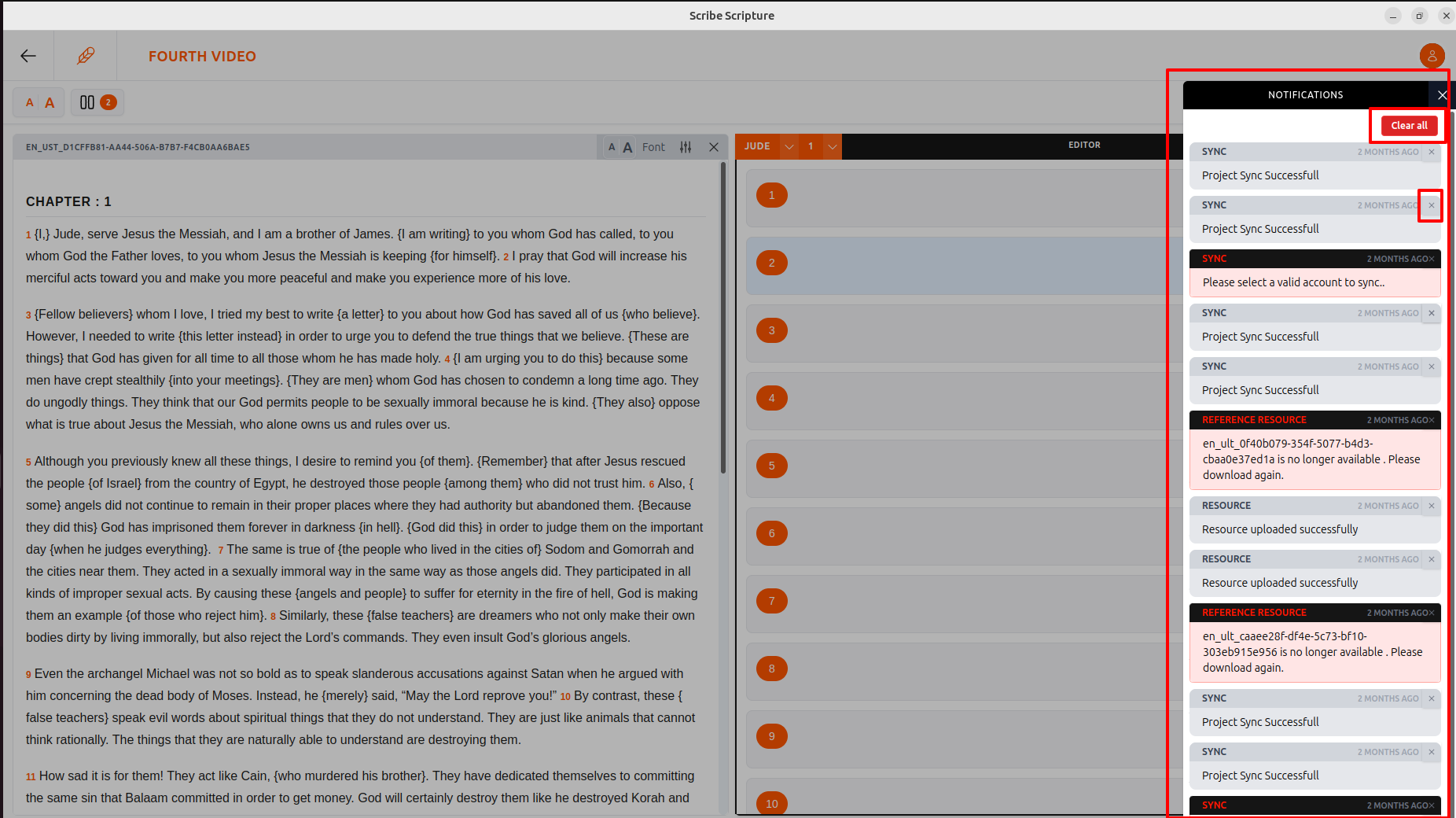
- Here you will find a list of Notifications
- Each type of notification will have a different color
Users can close an individual notification by clicking the close (×) icon on that specific notification bar.
Users can close all notifications at once by clicking the “Close All” button.
To return to the main page, click on the  arrow on the top left side of the screen.